Fastest Location brings quicker connections to mobile, and a new native app arrives on Mac



Privacy works best when the experience feels effortless. That means connecting to the right server without having to think about it, and running software that feels native to the device you're using. Today's updates strengthen both.
Fastest Location is now available on mobile and our App Store macOS software, automatically connecting you to an optimal server based on real-time conditions. And on Mac, a new native app available on Apple's App Store delivers the kind of polish and performance you expect from software built specifically for macOS.
Fastest Location handles the work for you
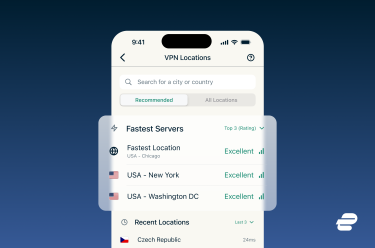
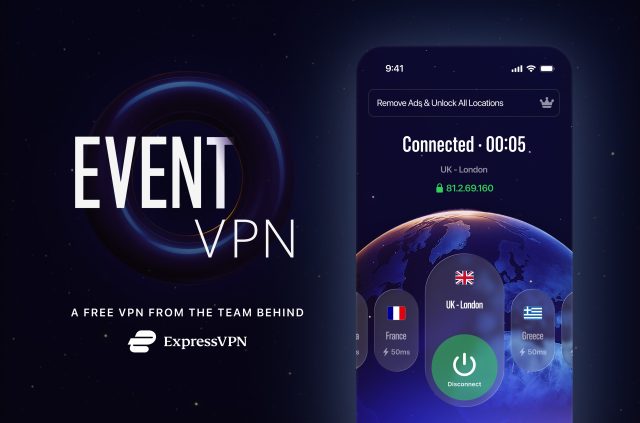
Now available on iOS and Android, Fastest Location lets you tap once to connect to the server that works best for your network at that moment. No browsing through lists, no manually testing speeds, no second-guessing your selection.
The feature analyzes speed, latency, and your distance from our locations in real time to identify the optimal server. As your network conditions change throughout your session, the system continuously recalculates to maintain performance. You won’t be switched to different locations while you're connected, but once you disconnect, the quickest server will be ready for your next connection.
We've redesigned the mobile home screen around this change. The “Smart Location” and “Recent” sections have been removed, creating a cleaner layout that gives more space to indicators like your time protected throughout the week and Secure Device Assistant. When you're connected, you'll see a clear "Protected" indicator confirming your session is secure.
Browse the location list and you'll see connection strength indicators for the top three to five fastest servers. These refresh automatically as conditions change, giving you up-to-date information instead of static rankings.
A native Mac app, built for macOS
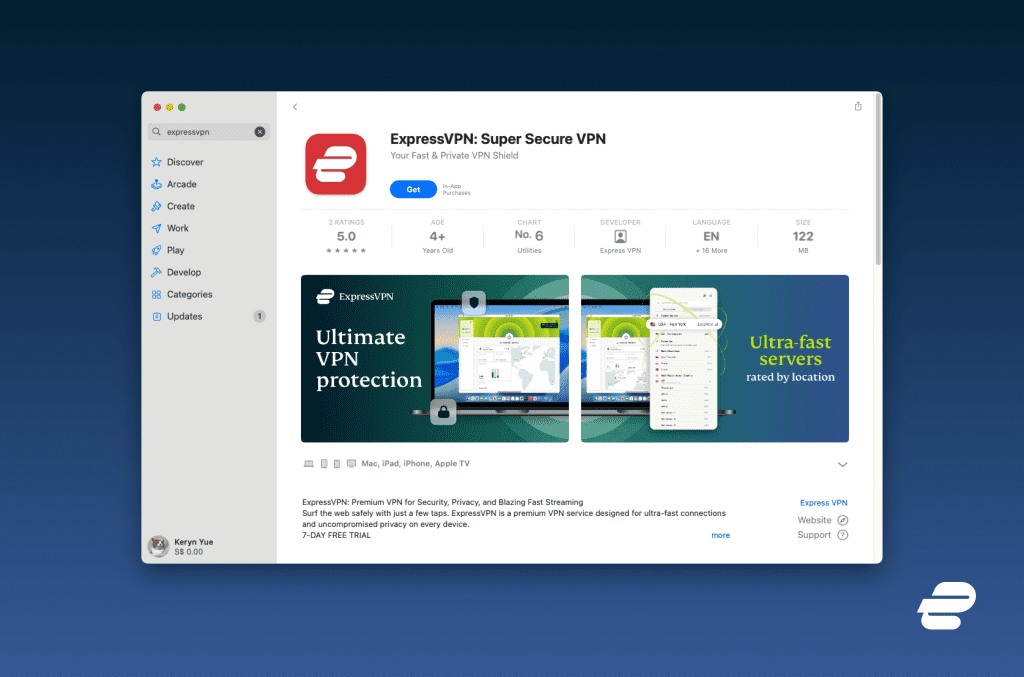
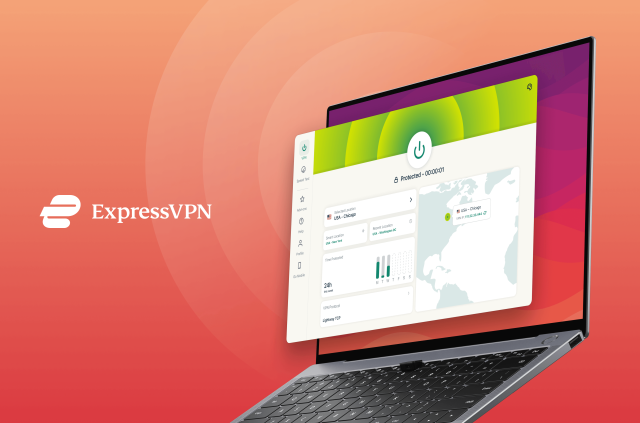
The new Mac app was built to feel native to your desktop. It launches faster, responds more smoothly, and integrates more closely with macOS than the previous version.
Until now, ExpressVPN on Mac used a version adapted from our iOS app through Apple's cross-compatibility features. It worked well and included the same features, but we saw room to build something that takes full advantage of what macOS offers.
Built with Apple's Mac Catalyst framework, the app benefits from deeper system integration and macOS-specific optimizations. Visuals are smoother, window resizing and multitasking feel more responsive, and small refinements add up to a more polished experience.
Whether you're switching servers mid-task or running the app quietly in the background, the new version fits more naturally into the macOS environment.
Take the first step to protect yourself online. Try ExpressVPN risk-free.
Get ExpressVPN






 Support Center
  FAQ
FAQ  VPN Setup Tutorials


