The AI era requires a new way to control your VPN. So we built it.


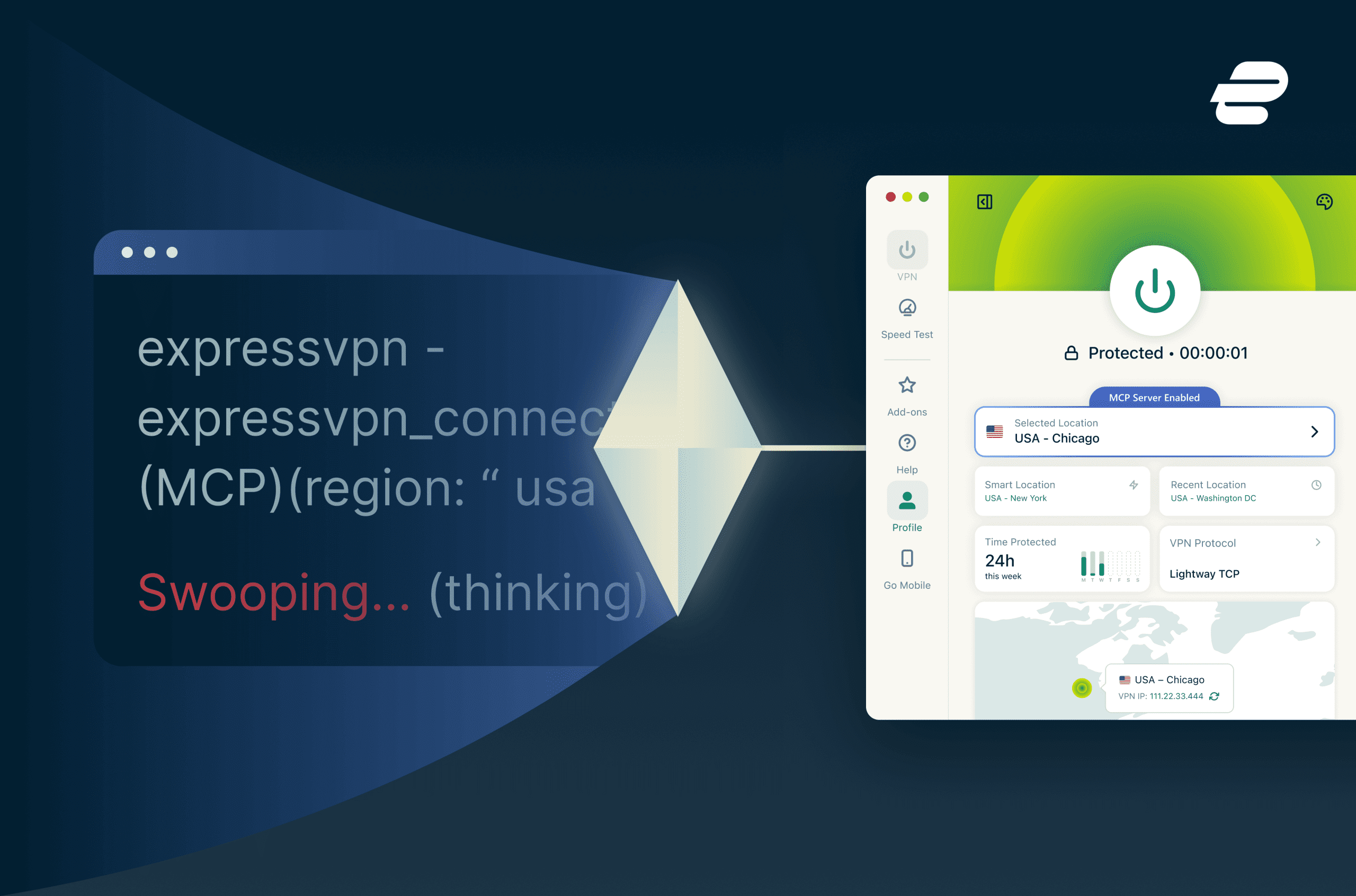
ExpressVPN is the first VPN provider to adopt the Model Context Protocol (MCP). We built a strictly local bridge that lets your AI coding assistants manage your network routing without ever opening a remote connection.
- ExpressVPN is the first VPN provider to launch an MCP server, bridging the gap between AI agents and secure network control.
- The early beta release supports platforms like Claude Code and Codex on desktop (macOS, Windows, Linux), allowing AI to manage VPN states via natural language.
- The integration is strictly opt-in and runs entirely on the user’s machine, rejecting all remote connections to maintain privacy.
- Developers can automate complex tasks like geo-sensitive API testing, pre-flight security audits, and instant network troubleshooting.
- The architecture uses a fixed command allowlist and zero-access encryption to ensure AI agents never touch sensitive account credentials.
AI is rapidly changing how developers write code, test software, and manage their daily workflows. Tools like Claude Code are automating repetitive tasks and allowing engineers to stay deeply focused on complex problems. But these autonomous agents still have a massive blind spot when it comes to your actual network environment.
To solve this, ExpressVPN is the first VPN provider to launch a Model Context Protocol (MCP) server, giving AI tools a secure way to read and configure your VPN.
The ExpressVPN MCP server is available in beta today, exclusively to subscribers on the following plans:
- Basic, Advanced, or Pro Tier (1-year or 2-year subscriptions)
- ExpressVPN for Teams
Without this bridge, developers face constant friction. If you’re building a tool that relies on a geo-sensitive API or you need to verify that your secure connection is active before running a script, your AI agent is entirely helpless. You have to break your flow, open a desktop app, manually switch your server region, and wait for the connection to establish before returning to your terminal. That constant context switching disrupts an otherwise seamless automated workflow.

The missing link in agentic workflows
Anthropic introduced the MCP in late 2024 to solve the problem of isolated AI systems. MCP provides a universal, open standard for connecting AI models with external data sources and developer tools. Think of it like a USB-C port for AI applications. Just as USB-C provides a standardized way to connect electronic devices, MCP provides a standardized way to connect AI applications to external systems.
You’ve already seen MCP adopted by developer tools and productivity platforms. But until now, your VPN, one of the most critical pieces of your workflow, has been outside that ecosystem.
| “With ExpressVPN’s new beta MCP server, your AI agent can finally understand and manage your network environment as part of its workflow.” |
How the ExpressVPN MCP server works
This is an early beta release for individual users and Teams customers. The integration is currently limited to our desktop apps for macOS, Windows, and Linux, and is designed to support developer-focused tools like Anthropic’s Claude Code and OpenAI’s Codex. The ExpressVPN MCP server also works with other MCP-compatible AI clients that support connecting to local MCP servers via URL.
We built this integration to be simple to set up, safe by default, and powerful enough for real workflows.
1. Enable MCP locally
Download the latest ExpressVPN beta apps for macOS, Windows, and Linux. The MCP server integration is turned off by default. To use it, you must explicitly opt in by flipping the “Enable MCP Server” toggle inside the ExpressVPN desktop app settings.
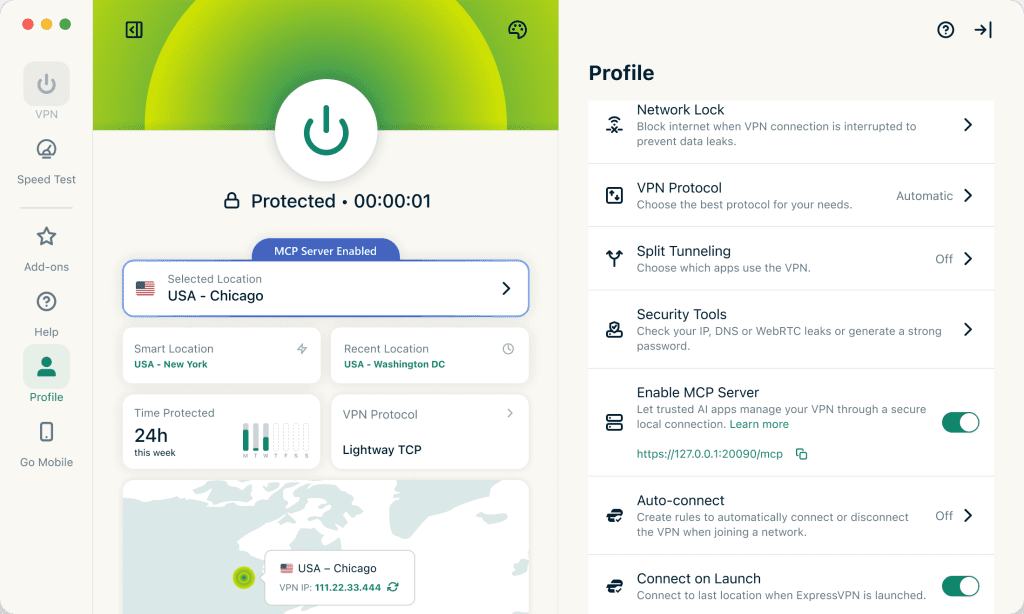
2. Connect your AI tool
Once enabled, you can connect ExpressVPN to MCP-compatible developer tools by following our technical implementation guide. The server runs entirely locally on your machine. There are no background agents phoning home, no unprompted changes, and absolutely no remote connections accepted.
3. Command your network via natural language
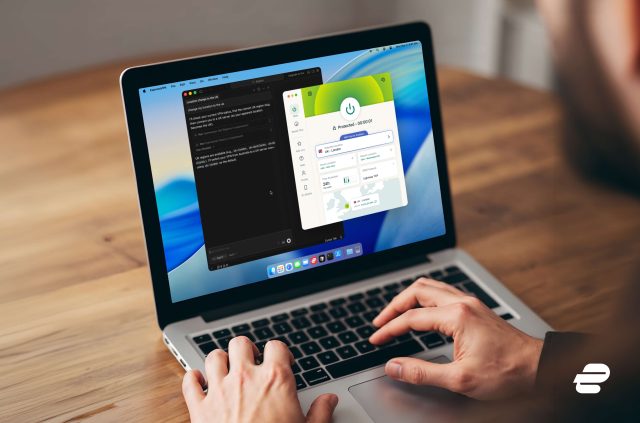
Your AI tool communicates with the VPN client directly on your device. There’s no need to open the ExpressVPN app or hunt through settings menus. The agent can read your VPN state, switch regions, change protocols, and run diagnostic checks based entirely on your conversational prompts.
Built with strict privacy and security boundaries
Bringing AI into your security stack requires rigid boundaries. AI agents are incredibly useful for interfacing with APIs, but they rely on non-deterministic, probabilistic models. Core security operations require deterministic, auditable flows. Mixing the two without strict engineering constraints creates unnecessary vulnerability. We built the ExpressVPN MCP server with a local, permissions-first architecture to bridge that gap safely.
To ensure your assistant can provide workflow value without risking your underlying account architecture, we drew hard boundaries from day one:
- The server is disabled by default and requires physical user confirmation within the desktop application to activate.
- The integration runs locally on your device only and strictly rejects all remote connections.
- It uses a fixed allowlist of query commands like get_protocol to verify you’re using Lightway.
- The server never has access to account credentials, session histories, or destination data in the model context.
- It operates under ExpressVPN’s strict no-logs policy, meaning we never keep logs of your browsing history, traffic destinations, data content, or DNS queries.
This means that your AI assistant can provide value to your workflow without changes to your underlying account architecture. And because the MCP server executes commands strictly locally on your machine, this architecture significantly mitigates the risk of external prompt injection leading to remote network hijacking or data exposure. You stay in full control.
Practical things you can automate right now
This integration was built for deep utility. We exposed a comprehensive list of commands to the MCP server so your AI agent can actually fix problems and automate complex network tasks across work, travel, and entertainment.
Whether you’re working solo or as part of a distributed team, this integration reduces friction between AI workflows and secure network control. Here are a few examples you can already start exploring:
- Automated security audits: Before you deploy a script or process a sensitive transaction, you can tell your agent to make sure you are fully protected. The agent will independently audit your get_connectionstate, verify your DNS configuration, and confirm there are no leaks before giving you the green light.
- Global product testing: If you need to know how your app or website looks to users around the world, you can ask your agent to test the site from different locations. The agent will pull from all available server locations, systematically switch locations, record the API behavior, and switch you back to your default location when finished.
- Faster troubleshooting: When your internet is crawling at a coworking space, you no longer need to manually test configurations. You can ask your agent why your connection is slow. The agent will run a full diagnostic chain across your protocol, server region, and various settings, explain the exact issue, and automatically apply the fix.
- Travel and geo-based workflows: If you’re landing in a region with restrictive networks, your agent can automatically recommend the best protocol and pre-configure your connection.
For more information, visit https://www.expressvpn.com/features/mcp-server and https://www.expressvpn.com/support/mcp-server/.
ExpressVPN is leading the industry into a category that the rest of the market will inevitably have to follow. We’re giving developers the tools to build faster and test smarter, all while maintaining absolute control over their local privacy.
But securing the infrastructure layer of agentic workflows is only part of the equation. As AI becomes deeply embedded in how we work and think, the broader ecosystem still relies on an outdated model that demands your data in exchange for utility. We believe that the underlying compromise needs a permanent fix.
| “Giving developers a secure way to automate their network state is our first move in redefining what true privacy looks like in the AI era.” |
Watch this space. We’re just getting started.
Take the first step to protect yourself online. Try ExpressVPN risk-free.
Get ExpressVPN





 Support Center
  FAQ
FAQ  VPN Setup Tutorials


