Reliable Philo VPN for private streaming
Enhance your online privacy while streaming Philo TV with VPN servers across every U.S. state
- Watch Philo TV safely on restrictive campus and office networks
- Avoid content-based ISP throttling for more stable streaming speeds
- Stay connected to your favorite shows on Philo TV while traveling
30-DAY MONEY-BACK GUARANTEE FOR FIRST-TIME USERS

-

IPHONE/IPAD -

Android -

Windows -

Mac -

Linux -

Router -

Smart TV -

Game console
Set up ExpressVPN for Philo TV in 3 steps
It’s easy to get started with ExpressVPN and stream with extra security
-
Step 1
Install ExpressVPN
Sign up for ExpressVPN risk-free* and download the app for your device.
-
Step 2
Choose a U.S. server
Select a server from the list. ExpressVPN has servers in all 50 U.S. states.
-
Step 3
Stream Philo securely
Open Philo TV and stream as usual with enhanced security.
24/7 customer support via live chat and email
Why use a VPN with Philo TV?
Encrypt your connection to watch Philo privately and avoid targeted ISP slowdowns
Use Philo on restricted networks
Streaming traffic is typically limited on office or campus networks. This means you can’t use the Philo app to watch your favorite shows while connected to your office or school Wi-Fi.
A Philo VPN encrypts your connection, preventing the network from seeing your streaming traffic. This can help you stream Philo TV more reliably on restrictive networks.

Reduce ISP tracking and throttling
Some ISPs slow down traffic based on the type of thing you’re doing online, like streaming. This can cause Philo TV shows to buffer or drop in quality.
A VPN’s encryption masks your streaming activity from your ISP. This helps you avoid content-based ISP throttling for more consistent speeds while you enjoy the latest crime drama.

Access your Philo home library while traveling
When you travel abroad, you won’t be able to access your Philo TV account as the service is only available to subscribers in the U.S. Frustrating when you want to keep up with your shows while you're on public Wi-Fi abroad.
Use a VPN with U.S. servers to access your Philo account as usual, so you can carry on watching your library of content as if you were back home, but with added online privacy.

Protect your online privacy while streaming
When you stream Philo TV, anyone on the same network and various online trackers can monitor your streaming traffic. With VPN encryption and IP address masking, this visibility into your viewing activity across the wider internet is reduced.
Choose a VPN service with transparent privacy practices and RAM-only servers so your streaming data isn’t stored by the VPN itself. That way, you add a trusted extra layer of privacy to your connection.
Troubleshooting: Philo not working with ExpressVPN?
Don’t get stuck with an unintended cliffhanger, try these quick fixes
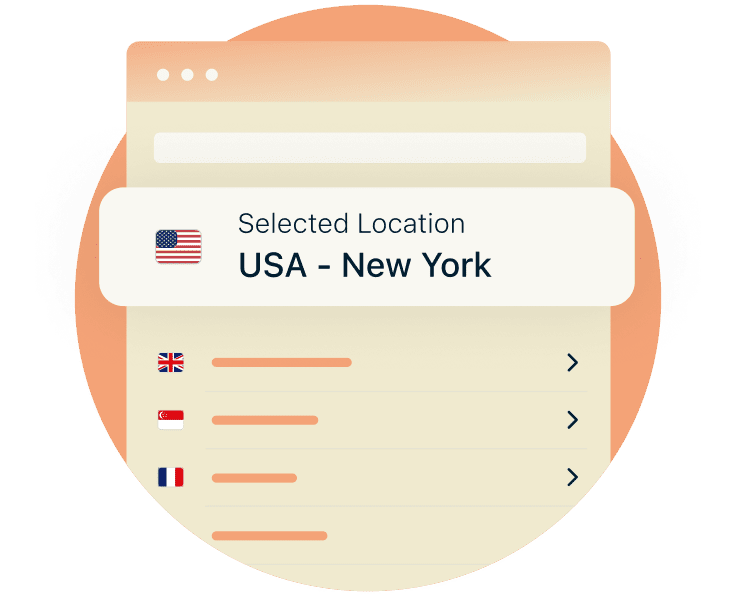
Fix Philo proxy errors
If you see a message telling you Philo is unavailable in your location, it's usually because your VPN connection has dropped mid-session, or the server you're connected to isn't being recognized as a U.S. location.
Make sure you're connected to a server in your home country, then try switching to a different U.S.-based server if the issue persists. It also helps to connect to ExpressVPN before launching the Philo app.
Change protocols for better streaming
Different VPN protocols handle speed, reliability, and network switching in different ways, which can affect your streaming quality.
Switching protocols can help you find the best balance for consistent Philo playback on your network. ExpressVPN's Lightway protocol is built for fast, stable connections and is a good starting point for streaming. It should be automatically selected, but you can easily switch between protocols in the ExpressVPN app.
Refresh your connection
If Philo playback feels unstable, refreshing your local connection can often help. Clearing the Philo app cache removes stale temporary data that can interfere with playback—particularly after network changes or long viewing sessions.
Restarting your device also resets background connections and frees up system resources, allowing Philo to establish a more stable connection.

Get 24/7 support
If you still need support, help is always available. ExpressVPN’s 24/7 live chat support is online and ready to assist you with troubleshooting your Philo VPN connection.
Our goal is to get your stream back on track quickly, so any connection hiccups don’t cut short your Love After Lockup binge.
ExpressVPN for Philo: Engineered for high-speed connectivity
Steady playback, fewer interruptions and more privacy while streaming Philo
Servers built to reduce lag
Delays and buffering are more noticeable on Philo’s live channels, especially during busy viewing hours. ExpressVPN’s high-bandwidth servers, with 10Gbps and 40 Gbps capacity, are built to handle heavy streaming demand without slowdowns.
This capacity helps you maintain consistent speeds for watching live or 4K content, reducing the risk of extra buffering or lag during your viewing session.
Lightway improves stability
Lightway, ExpressVPN’s proprietary protocol, is built specifically for fast, reliable connections. It connects quickly and its effienct design helps maintain stability and fast speeds during longer viewing sessions.
Whether you’re streaming at home on a smart TV or switching networks on a mobile device during your commute, Lightway is designed to keep your Philo connection steady with fewer interruptions.

Servers in 214 locations
ExpressVPN’s widespread server network covers 113 countries across 214 locations, including all 50 U.S. states. This makes it easier to connect to a nearby server for lower latency and more stable streaming performance.
This load-balanced network distributes traffic efficiently, so speeds stay reliable whether you’re watching from home or while traveling.

No data logs with RAM-only servers
When you stream on Philo, your viewing activity can be visible to your internet provider. Some VPNs also collect usage data for analytics or advertising.
ExpressVPN is designed differently. Our verified no-logs policy means no browsing activity is recorded or stored. We use RAM-only servers which can’t save data, and all server data is wiped with regular restarts, so your streaming habits stay yours alone.
Stream on the big screen and mobile devices
ExpressVPN has apps for all your devices so you can watch Philo your way

Native apps for iOS, Android, Mac, and Windows
ExpressVPN’s apps for iOS, Android, Mac, and Windows make it easy to stay protected, whether you’re watching on your phone, laptop, or tablet. With the same VPN protection across up to 14 connected devices, everyone stays covered wherever they’re streaming.
This flexibility lets you watch on your phone during your commute, catch a show on your laptop, or let the kids watch Ryan’s World on a tablet while you unwind with a foodie series.
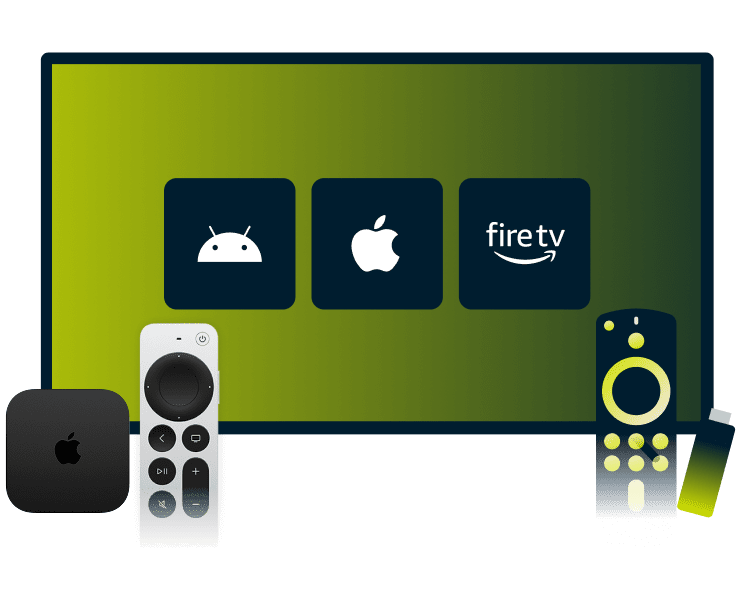
Apps for popular smart TVs
ExpressVPN supports popular smart TVs and streaming devices, including Apple TV, Android TV, and Fire TV stick. Dedicated apps let you protect your stream directly on the device, with no extra hardware or complicated setup required.
Designed for living-room viewing, these apps are easy to control with your remote. You can connect, disconnect, or switch servers in seconds, so you stay in control of your streaming experience from the couch.
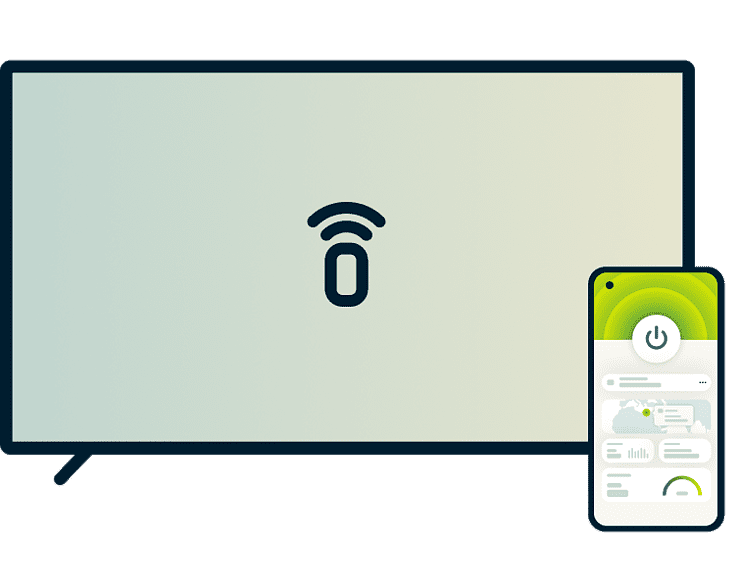
MediaStreamer for older TVs
Some older smart TVs and Roku devices don’t support VPN apps directly. ExpressVPN’s MediaStreamer lets you stream Philo on these screens without switching devices or adding extra hardware, so your viewing isn't limited by the devices you already own.
While MediaStreamer doesn't offer the encryption of a full VPN, it works by rerouting your DNS traffic to help your device connect to the right region. It's a straightforward option for watching your favorite shows on your main TV.
What people are saying about ExpressVPN
See what happy customers have to say about our service
-
Absolutely fantastic. It was the perfect solution for connectivity issues in a game I've been playing recently.
J B


-
ExpressVPN is the perfect all around VPN service for your network security needs.
Dirt_Reynolds


-
ExpressVPN is the fastest VPN I've found. It shows you the fastest server you can connect to, and a list of alternate servers.
Christopher Gilmer
-
#1 Best VPN 2026 & Best Gaming VPN
ExpressVPN is the best Gaming VPN right now, thanks to its impressive speeds, excellent privacy protections and expansive global network of servers.

-
Editor’s Choice Award 2026
ExpressVPN’s expansive network and dedication to staying on the forefront of encryption tech earn it an award.

-
#1 Best VPN for the U.S. 2026
ExpressVPN is the best VPN for the U.S. right now. It has VPN servers in every American state, excellent security, and a simple user interface.

-
 Rated 4.4 out of 5
 -
 Rated 4.7 out of 5






FAQ
Get all the answers to your Philo VPN questions
Does ExpressVPN work with Philo?
Yes. ExpressVPN is compatible with Philo TV and offers high-capacity servers across all 50 U.S. states. A VPN adds an additional layer of privacy and security while you stream on Philo TV at home, on public Wi-Fi, or while using more restricted networks like work and campus networks.
Why is Philo not working with my VPN?
Philo issues are usually due to network conditions. Troubleshooting ideas include switching to a different U.S. server, connecting to the VPN before opening your Philo TV app, switching protocols, or rebooting your device to help restore connectivity.
Is it legal to use a VPN with Philo?
Yes. VPNs are legal to use with Philo and are widely used for enhancing online privacy and security. Using a VPN while streaming Philo helps protect your connection on shared or public networks and reduce ISP visibility into your streaming activity.
Can a VPN help stop buffering on Philo?
A VPN can help reduce buffering in some situations. By encrypting traffic, it can limit ISP visibility into streaming activity which prevents content-based throttling. Results depend on your network quality, server choice, and overall internet connection speed.
Can I use ExpressVPN on my Roku or Smart TV?
Yes. ExpressVPN offers apps for popular smart TVs like Apple TV, Android TV, and Fire TV (Fire OS and Vega OS). If you have a Roku, you can share an ExpressVPN connection from a Windows PC by using a virtual hotspot.
Does a VPN hide my location on Philo?
A VPN masks your IP address, and replaces it with the VPN server’s IP address, which is registered to the server’s location. This also reduces how easily your streaming activity can be linked back to your online identity. This limits visibility from advertising and analytics tracking, supporting greater privacy while you stream.
Is ExpressVPN better than free VPNs for Philo?
Free VPNs often struggle with limited or overcrowded servers, which can lead to buffering and instability. Many also have unclear privacy practices. ExpressVPN offers high-capacity servers across all 50 U.S. states and an independently audited no-logs policy, so you get reliable streaming without compromising on privacy.
Secure your streaming experience risk-free
Get the best VPN for Philo TV with ExpressVPN
Try ExpressVPN for streaming Philo’s top crime, drama, and reality shows with extra privacy with a 30-day money-back guarantee*.
*Users who purchased their subscriptions through the Apple App Store (iTunes) or the Google Play Store do not have access to the ExpressVPN 30-day money-back guarantee. Instead, users can request refunds through the App Store or Play Store, at Apple’s or Google’s discretion.