VPN for YouTube TV: Stream live TV fast & without throttling
A YouTube TV VPN built for speed and reliability, with 10Gbps and 40Gbps servers
- Choose from VPN servers in 113 countries and all 50 U.S. states
- Reduce playback error messages with regularly refreshed IP addresses
- Protect your privacy at home and on public Wi-Fi with strong encryption
30-DAY MONEY-BACK GUARANTEE FOR FIRST-TIME USERS

Enhance your streaming experience with ExpressVPN
Avoid content-based throttling while streaming YouTube TV on any network
Avoid content-based ISP throttling and network slowdowns
Your internet provider can spot high-bandwidth activity like streaming and slow your speeds. When you’ve planned your evening around the big live game, there’s nothing more frustrating than poor video quality or constant interruptions.
A YouTube TV VPN encrypts your traffic so your ISP can’t see when you’re watching live TV. It prevents content-based throttling, helping you get stable streaming speeds and a reliable connection as you settle in for the match.
Protect your privacy on public Wi-Fi hotspots
Watching YouTube TV at a café or on airport Wi-Fi means your activity can be exposed to network admins and anyone on the same network. They can track which streaming services you’re accessing and even intercept your login credentials.
ExpressVPN protects your connection and viewing activity on any network. This turns your exposed public Wi-Fi traffic into secured data for private YouTube TV streaming.
Watch securely on school and office Wi‑Fi networks
ExpressVPN uses automatic server obfuscation so your VPN traffic blends in with ordinary HTTPS browsing. This makes it less obvious that you’re using a VPN while connected to your campus or office network.
Between our strong encryption, tracker blocker, and malicious site blocker, your traffic is secure. You can catch up on the NFL highlights on your lunch break with peace of mind.
How to use ExpressVPN with YouTube TV in 3 steps
Here’s how to connect in 3 easy steps
-
![Download Laptop 7]()
Step 1
Sign up and download ExpressVPNSign up
for ExpressVPN, then download the app on your mobile, laptop, or smart TV.
-
![Get A Private Ip Address@2x 16]()
Step 2
Connect to a secure U.S. server location
Open the app, sign in, and choose a secure U.S. server location.
-
![Get A Private Ip Address@2x 17]()
Step 3
Log in and start streaming
Open YouTube TV, sign in, and watch live channels with an encrypted connection.

Why ExpressVPN is the best VPN for YouTube TV
Get the speed, protection, and server coverage for YouTube TV streaming

Optimized for speed: Many locations run on 40Gbps servers
Buffering on YouTube TV can feel like wasted money, especially when you've paid extra for 4K. ExpressVPN's network runs on 10Gbps and 40Gbps servers.
Paired with our Lightway protocol, designed to use bandwidth efficiently, ExpressVPN’s servers support consistent 4K streaming on YouTube TV, from live games to replays.
Works reliably with YouTube TV and more
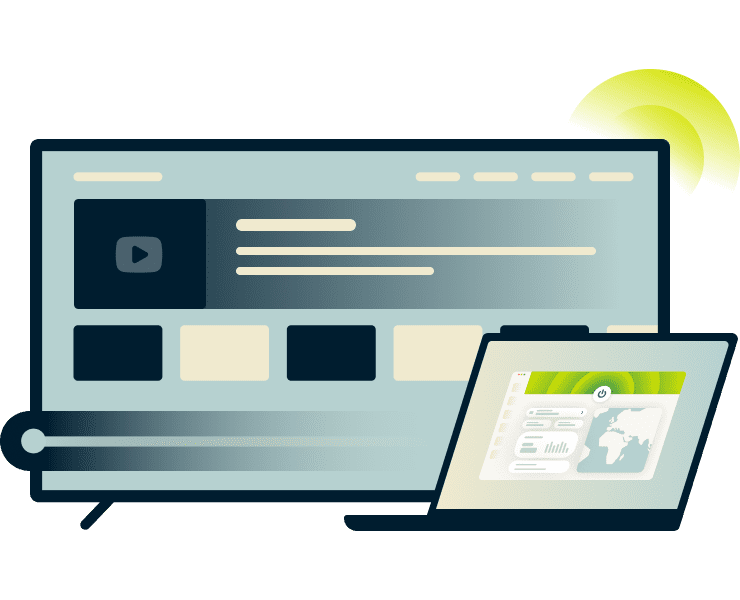
is designed to work reliably with major streaming platforms like YouTube TV. Our U.S. servers are regularly tested to help ensure ongoing compatibility.
With just a tap, connect to one of ExpressVPN’s U.S. servers in 214 locations. This masks your real IP address with one from the server’s location, so YouTube TV still delivers your usual lineup. You get a secure, dependable connection for watching NCIS or Fox News at home or while traveling.
Internet Kill Switch keeps your data safe if the connection drops
If your internet connection drops, your device could reconnect without protection for a few seconds, exposing your data. The Internet Kill Switch built into our apps prevents this by automatically blocking internet traffic until the VPN connection is restored.
This protection works alongside ExpressVPN’s independently audited no-logs policy, ensuring our servers don’t monitor or store your streaming activity.
Fix the "YouTube TV VPN proxy detected" error
Quick fixes to stop the "VPN detected" error from ruining your stream
Why does YouTube TV block some VPNs?
YouTube TV uses your account’s Home Area, verified by IP address and device location, to deliver region-specific content. If these signals don’t match, your location verification fails and you run into YouTube TV blocking VPN issues.
Since home-area changes are limited to twice per year, these inconsistent VPN signals can lock you out of your account.

Tips to resolve connection issues instantly
Most "proxy detected" errors happen because YouTube TV checks multiple location signals beyond your IP address in order to verify your account. In fact, GPS data on your phone often overrides your VPN location.
To fix the issue, turn off location services and clear old app or browser data. You can also try updating apps, restarting your device, and signing out of Google on all your devices to clear your location history.

The advantage of ExpressVPN’s regularly refreshed IP addresses
ExpressVPN regularly updates and refreshes its IP addresses across the server network, reducing the likelihood that YouTube TV flags your connection as VPN traffic.
With servers in all 50 U.S. states, you can switch to a fresh IP address with one tap. So if YouTube TV does detect VPN use, you’re back to streaming in seconds. Plus, ExpressVPN offers 24/7 support if you need any help selecting the best server or troubleshooting your connection.
Watch YouTube TV on every screen
Disruption-free viewing as you switch devices throughout your day
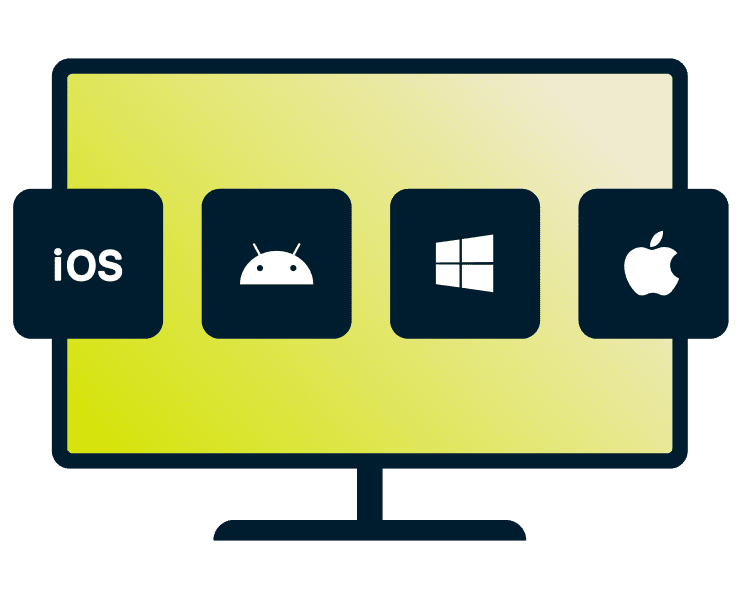
Apps for Windows, Mac, iOS, and Android
ExpressVPN works on all major platforms with native apps for Windows, Mac, iOS, and Android. Just one subscription can protect the devices you use all day long.
With up to 14 simultaneous connections, you can stream news on your phone, sports on your laptop, and kids’ shows on a tablet without separate logins, or worrying which device is covered.

Stream on smart TVs, media boxes, and gaming consoles
ExpressVPN offers apps for smart TVs and streaming devices, including Apple TV, Android TV, and Amazon Fire TV devices.
Although you can’t install an app directly onto games consoles, you can use our smart DNS, MediaStreamer, to change your device’s DNS IP location. This won’t encrypt your connection, but it will change the location YouTube TV associates with your traffic.
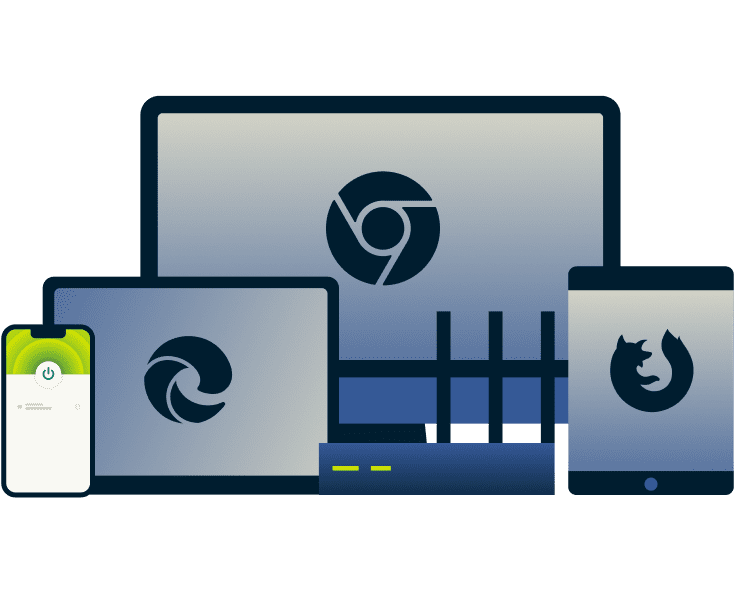
Browser extensions for Chrome, Firefox, and Edge
A browser extension for Chrome, Firefox, or Edge, gives you quick VPN control from your toolbar. You can use ExpressVPN’s extensions as a browser‑only VPNs or link them to the full VPN app to apply the same encryption and IP masking across your device.
Our browser extensions also include HTML5 location spoofing to align your browser's reported location with your VPN server, helping reduce detection by streaming services like YouTube TV.
What people are saying about ExpressVPN
See what our happy customers have to say about using ExpressVPN
I have ExpressVPN on all my devices - phone, laptop, tablet, AppleTV, etc., and absolutely love it.


* A sample of reviews from our most satisfied customers
Got an account with @expressvpn yesterday. Great decision for traveling out of the country!
@D_Geiger

* A sample of reviews from our most satisfied customers
With its consistent performance and reliable security, ExpressVPN is the best VPN out there.

* We sometimes pay expert sites for customer referrals
FAQ
Everything you need to know about using a YouTube TV VPN
Is it legal to use a VPN with YouTube TV?
Yes, it’s legal to use a VPN with YouTube TV. A VPN helps protect your privacy and security while you stream online. That said, you should always follow YouTube TV’s terms of service as a VPN isn’t intended for copyright circumvention.
Why am I getting a "VPN proxy detected" message?
YouTube TV can flag VPN-associated IP addresses or detect mismatched location data from your device. If you see this error, switch to a different U.S. server, clear your browser cache, and disable GPS/location services. ExpressVPN's network spans all 50 U.S. states, giving you multiple server options.
Can I use a VPN with YouTube TV on my smart TV or game console?
You can use a VPN with your smart TV, depending on the model, but not your games consoles. ExpressVPN has apps for major smart TVs and streaming devices. For consoles, you can use MediaStreamer, our smart DNS, to change the location associated with your traffic, but it doesn't protect your connection like a VPN does.
Will a VPN stop YouTube TV from buffering?
A VPN can prevent content-based ISP throttling by encrypting your traffic, making it harder for your ISP to detect and slow down streaming activity. However, a VPN won't fix buffering caused by slow base internet speeds, network congestion, or YouTube TV's server issues. Your connection speed ultimately depends on your ISP plan.
Can I watch YouTube TV on mobile with a VPN?
Yes, ExpressVPN works on mobile devices with YouTube TV. However, mobile presents challenges: your phone's GPS data can override your VPN's IP address, causing location mismatches that trigger errors. For best results, disable location services on your device before streaming, and clear the YouTube TV app cache regularly.
Does ExpressVPN limit my data usage while streaming?
No. ExpressVPN offers unlimited bandwidth, so you can stream YouTube TV without data caps or restrictions. Watch full seasons, live sports, and 4K content as much as you want, your streaming is never throttled based on usage.
Does YouTube TV work with VPNs?
Yes, you can use a VPN with YouTube TV. ExpressVPN’s regularly refreshed IP addresses and servers across all 50 U.S. states provide consistent streaming options. If YouTube TV's detection system flags a connection, switching to another U.S. server typically resolves the issue within seconds.
Can I use a free VPN for watching YouTube TV?
Free VPNs often struggle with streaming. They typically have data caps, slower speeds, limited server options, and IP addresses that are blocked by YouTube TV. ExpressVPN offers unlimited data, fast servers, stronger privacy protections, and more consistent streaming reliability.
Can I change my YouTube TV location with a VPN?
A VPN changes your IP address, but YouTube TV verifies location through GPS, device settings, and Wi-Fi data, not just IP. These multiple checks can cause mismatches that trigger errors. ExpressVPN encrypts your connection and protects your privacy while streaming. You are responsible for complying with YouTube TV's terms of service.
Try ExpressVPN risk-free for your streaming needs
Watch YouTube TV wherever you are with a risk-free VPN
- Try the best VPN for YouTube TV with a 30-day money-back guarantee*.
- Sign up for ExpressVPN and get a secure connection ready for kickoff.
*Users who purchased their subscriptions through the Apple App Store (iTunes) or the Google Play Store do not have access to the ExpressVPN 30-day money-back guarantee. Instead, users can request refunds through the App Store or Play Store, at Apple’s or Google’s discretion.